

Blog


A price book in Salesforce is a list of products and their associated prices. Each product and its price is called a price book entry. Salesforce provides standard and custom pricebooks. You can create multiple price books to maintain different prices for the same product based on your business needs.
- Salesforce will always provide you with a Standard Price Book. The moment you add a Product into Salesforce and set the price of the Product, that Product will go into the Standard Price Book. But you can create Custom Price Books as well.
- Alternatively, we can express that the pricing of products may vary for different customers – it can depend on who is buying when they are buying, or in what quantity.
- To accommodate this flexibility, a Product can exist in Salesforce with many different associated prices using a feature called Pricebooks and Pricebook Entries.

What are the types of Price Books?
Types of Price Books
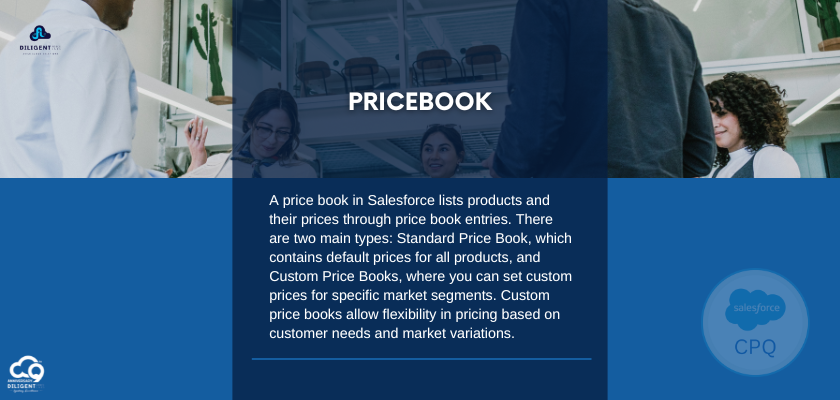
- Standard Price Book: This is the master list of all the products and services with their default prices. A standard price book is created when you start creating product records. It includes standard prices of all the products regardless of any custom price book that is created with those products.
- Custom Price Book: This is a separate list of products and services with their custom prices, called “List Prices”. These are additional price books created as per the company’s requirements.
- The price for each Product in the Custom Pricebook may be different from the price in the Standard Pricebook.
- However, the price for the same Product in each Custom pricebook does not need to be the same – it can vary from one Custom Pricebook to another. After adding the product to the standard pricebook, then only we can add the product to the custom pricebook.
How to add Price Book In Salesforce CPQ?
Steps to create a price book in CPQ:
Login to the Salesforce CPQ → Click on the “Price Books” in the Tab Bar Available → Fill in the details of the “Price Book” Name and description → Check the “active” checkbox for the price book to be active
- Create custom price books for each market segment that your sales reps sell to.
- We can add products to each price book with the prices that you offer each market segment.
- For example, if you sell to IND and US customers at different prices, you can create two custom price books, an IND one and an US one.
To wrap it up, getting the hang of Salesforce Price Books is crucial for creating smart pricing plans that meet different customer needs. Whether you’re just starting out with product listings or refining your prices for different groups of buyers, knowing how to use Standard and Custom Price Books is really important.
Recent Post

09, Jul, 2024 | By Mahesh Siddireddy

How we can help you!
Contact UsJust Connect With Us!
Our team of certified Salesforce and ServiceNow consultants is standing by to offer answers, ideas and solutions.